
SlideShare to PDF Downloader
Convert and download public SlideShare presentations as formatted, printable PDF documents.
Need sample URLs to test? View quick examples
How to Download SlideShare Presentations as PDF Documents
PDF is the most dependable format for offline study, printing handouts, and reading presentations across desktop and mobile devices.

1. Copy Presentation Link
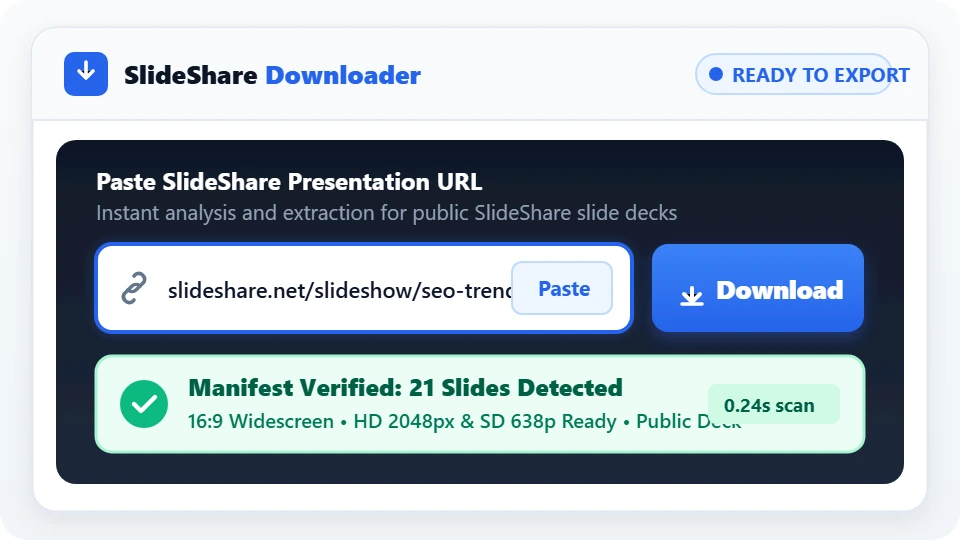
Open the presentation on SlideShare and copy its full URL directly from your browser’s address bar.
2. Paste URL & Download
Paste the link into the box above and click Download. Our server verifies the slide manifest in milliseconds.
3. Download Clean PDF
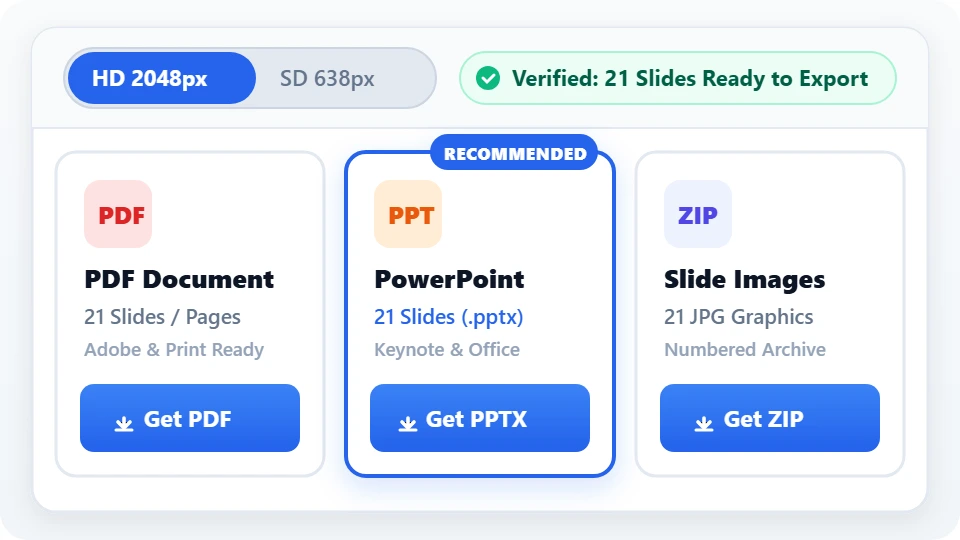
Click Download PDF. Our FPDF engine positions each slide with zero-margin bleeds and generates a clean, printable PDF document.
Why Export SlideShare Decks to PDF Format?
PDF remains the gold standard for reliable document archiving, academic research, and physical printing.
Universal Compatibility
PDFs open seamlessly on every operating system, including Windows, macOS, iOS, Android, and Linux, with no software installation required.
Ready for Printing
Perfect for printing presentation slides as paper revision handouts, study packets, or lecture notes without web browser formatting errors.
Compact Storage
PDF compression packages dozens of slide images into a single compact file, making it easy to store in cloud drives or share with classmates.
E-Reader & Tablet Friendly
Ideal for reading and annotating on tablets, iPad, and e-ink readers like Kindle or reMarkable with stylus pencil support.
Page Sizing, Orientation, and Margins
Our PDF generator dynamically configures each document page based on the physical dimensions of the presentation slides.
Landscape Alignment
Slide decks are automatically rendered in landscape orientation with zero-margin bleeds to maximize viewable slide area on screens and paper.
Standard Point Geometry
Pages are scaled to 720 points width with proportionally calculated height, preventing blurred edges and awkward letterboxing.
Zero Blank Pages
Every page in the PDF corresponds exactly to a slide in the presentation. There are no blank cover pages, advertising sheets, or trailing pages.
SlideShare to PDF FAQs
Everything you need to know about watermarks, optical character recognition, and presentation length.
Are there any watermarks added to the downloaded PDF?
No. The generated PDF contains only the original slide visuals as published on SlideShare. We do not insert promotional watermarks, stamps, or advertising banners into your document.
Can I highlight or select text in the downloaded PDF?
Because SlideShare serves presentations as slide image frames, the resulting PDF is an image-based document. To select or highlight text, you can open the PDF in Adobe Acrobat, PDF-XChange, or Google Drive and use their built-in OCR (Optical Character Recognition) feature.
Is there a limit on how many slides a PDF can contain?
The tool easily handles decks ranging from brief 10-slide summaries to comprehensive 90+ slide presentations. Memory and streaming buffers are optimized to prevent server timeouts.
Can I print the downloaded PDF directly?
Yes. The PDF is compiled with landscape page dimensions that match standard paper proportions (Letter and A4). Simply select “Fit to Printable Area” in your printer dialogue for perfect physical copies.
Related SlideShare Conversion Engines
Need your presentation in a different format? Explore our complementary export tools.
SlideShare to PPT Downloader
Converts slide decks into rasterized Microsoft PowerPoint (.pptx) files for offline presenting and custom lecture annotations.
Slide Images & ZIP Downloader
Download individual high-resolution JPEG slide frames or export the entire presentation as an organized ZIP archive.
Our online slideshare pdf downloader provides students, educators, and industry researchers with an efficient, reliable tool to convert public slide decks into clean, standardized PDF documents. With vector-accurate margins, printable landscape layouts, and zero third-party watermarks, your offline reading experience is fast and distraction-free.